Talk to the camera without losing your words.
The teleprompter app for real estate agents. Your script moves as you speak.
For iPhone. Your first 3 videos are free.
Filming a listing video is easy. Remembering what to say isn’t.
You know the property. But with a phone in your hand and a lens looking back, the words go. You stop, start again, and the video never gets posted.
ListingCue puts your script right under the lens and moves it as you speak. It splits the job into short scenes, so a slip costs you ten seconds, not the whole take.

How to make a real estate video with a teleprompter app
Here is how it works, from the script to the finished video. The screens are the real app.

-
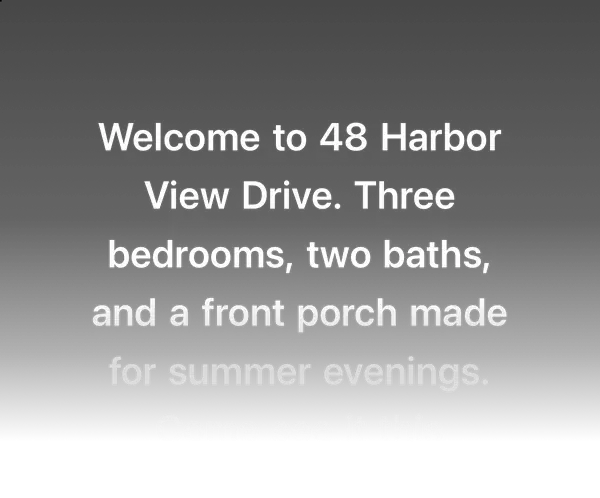
Read your script right under the lens
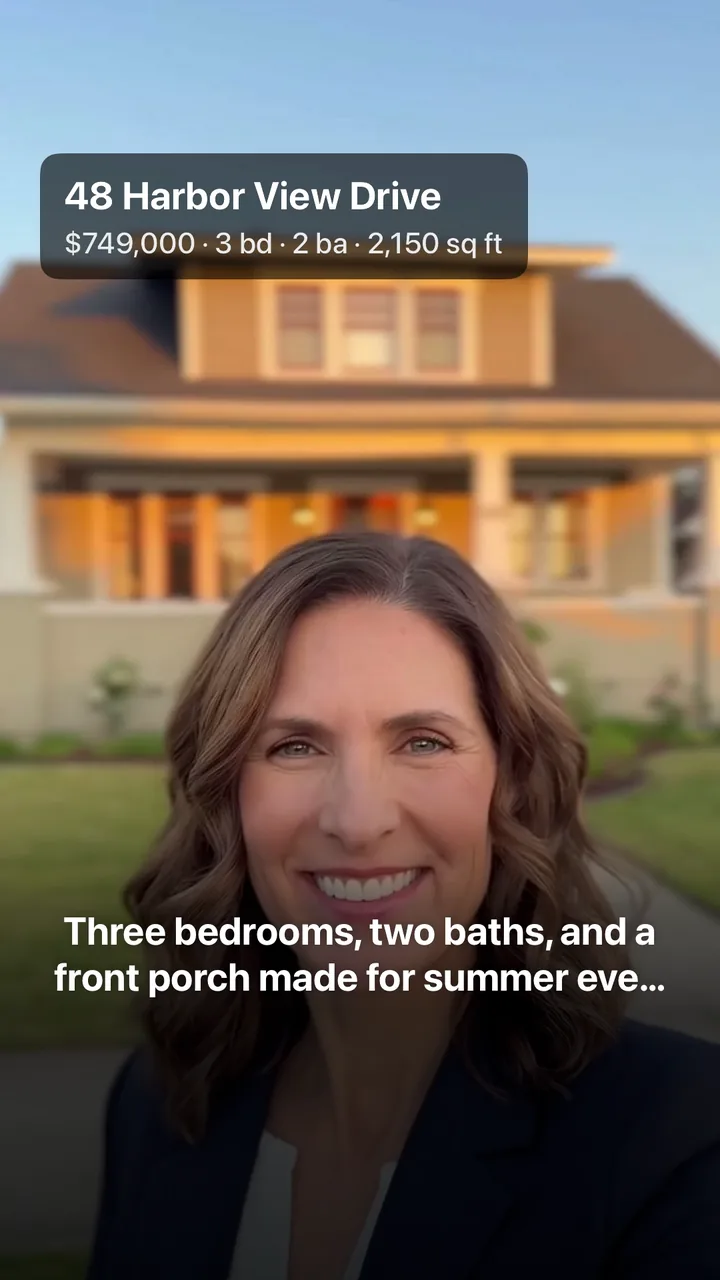
Your script sits in a band under the front camera, so you look at the lens and not off to the side. It moves as you speak and waits when you pause. The words you’ve said dim, and the next line is always in view.
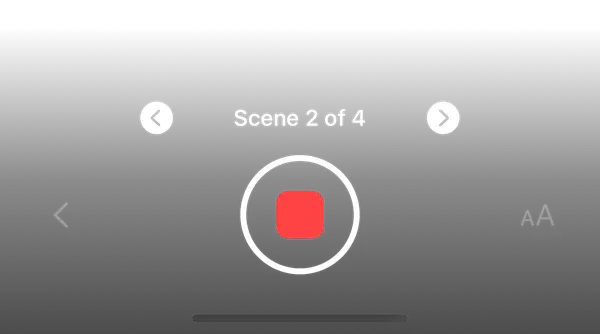
You record one scene at a time. Flubbed a line? Retake that scene, not the whole video.
-
Write the script in ChatGPT or Claude
You bring the script. Ask ChatGPT or Claude for a just listed video, an open house invite or a market update, or write it yourself.
When it’s ready, copy it or tap Share.
-
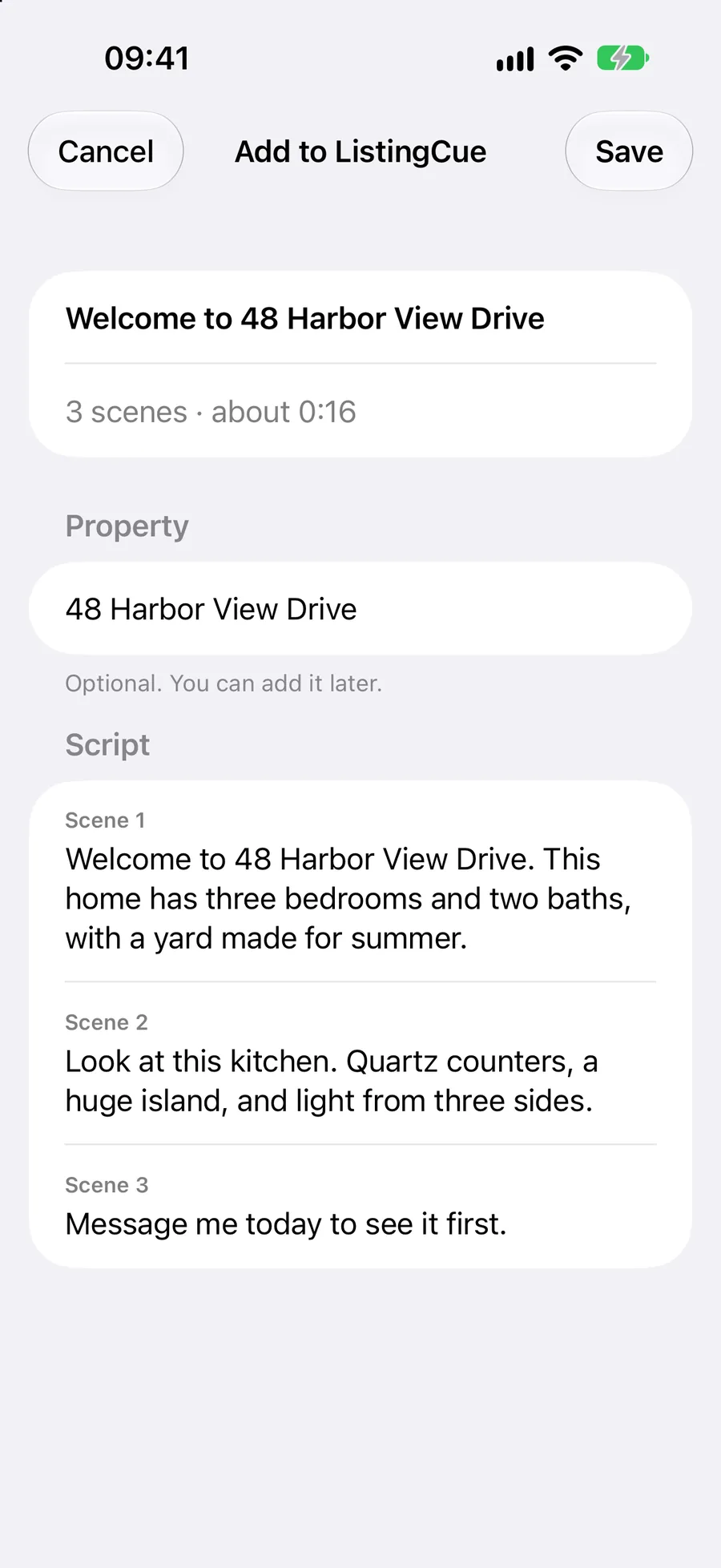
Send it to ListingCue
Share the script to ListingCue, or paste it into the app. Headings, stage directions, emoji and hashtags are removed, and the rest is split into short scenes you can say in one breath.
Type the property address while you’re there. Both are saved, ready to record.
-
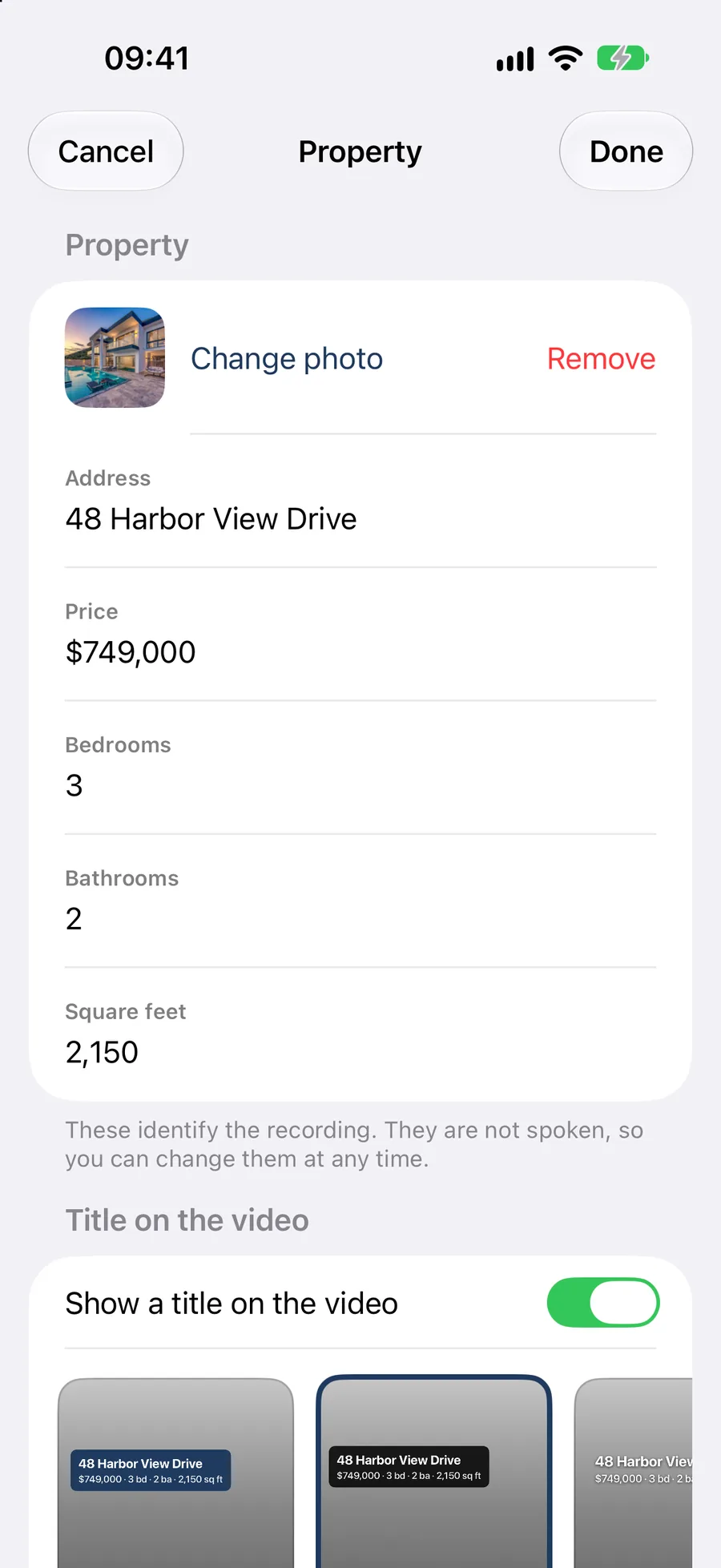
Add the property
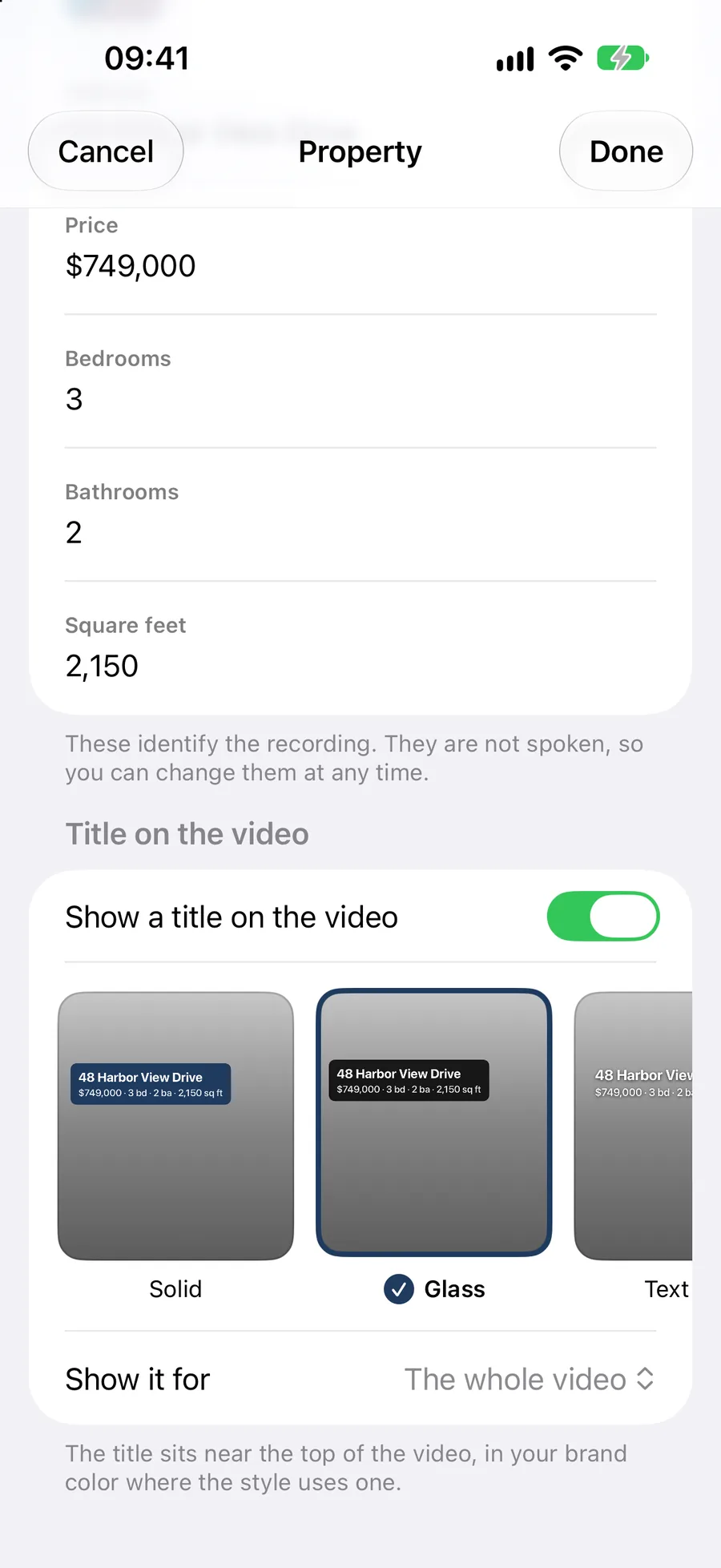
Enter the address, price, beds, baths and square feet, and add a property photo. Choose how the title looks on your video, or leave it off.
You can change any of it later, at your desk, without re-recording a word.
-
Captions, your details, done
Captions are written on your iPhone from your own voice and sit on a soft gradient, so they stay readable over any picture. Add an end card with your name, brokerage, phone and license number.
ListingCue stitches the scenes together and saves one vertical video to Photos, ready for Instagram Reels, TikTok, YouTube Shorts and Facebook.
The listing sheet
Everything you’d want to know before you view it.
- Built for
- Real estate agents who film themselves to camera.
- Works on
- iPhone with iOS 26 or later.
- Teleprompter
- Follows your voice. Prefer a steady scroll? Switch to fixed speed.
- Scripts from
- ChatGPT, Claude, Notes, email or your own typing. Paste, or share straight to ListingCue.
- Captions
- Written on your iPhone. Edit any word before you export.
- Property title
- Address, price and details on screen, in four styles. Optional, and off until you turn it on.
- End card
- Your name, brokerage, phone and license number.
- Video
- One vertical 1080 × 1920 video, saved to Photos.
- Account
- None. Nothing to sign up for.
- Price
- Your first 3 videos are free. After that it’s a subscription, with prices announced at launch.
Your face, your voice and your listings stay on your iPhone.
Recording, voice following and captions all run on the phone. Your videos, scripts and property photos are never uploaded, so a pocket listing stays a pocket listing.
- No account to create
- No ads and no tracking
- Nothing to delete from a server, because nothing is on one
Questions agents ask
What is the best teleprompter app for real estate agents?
ListingCue is built for it. It follows your voice, splits your script into short scenes you record one at a time, and adds captions, your property details and an end card with your contact information, all on your iPhone.
Does it work with scripts from ChatGPT or Claude?
Yes. Copy the script and paste it into ListingCue, or tap Share and choose ListingCue. Headings, stage directions, emoji and hashtags are removed for you. ListingCue doesn’t write the script itself, so you stay in control of what you say.
Does the teleprompter follow my voice, or just scroll?
Both. By default it follows your voice, so you can pause, breathe or ad-lib and it waits for you. If you’d rather have a steady scroll, switch to fixed speed in Settings.
What if I mess up a line?
Retake that scene. Each scene is recorded on its own, so you never start the whole video again. Every take plays back with sound before you keep it.
Does it work without a signal?
Yes, once it’s set up. The first time, your iPhone downloads Apple’s speech model for your language. After that, voice following and captions run without a connection, so a listing with no reception is fine.
Who can see my videos?
Only you. Videos are made and stored on your iPhone and saved to your Photos. ListingCue never receives them.
What kinds of videos can I make?
Anything you say to camera: just listed, open house, market update, buyer tips, a thank-you to a client. If you have a script, you can record it.
Is there a free teleprompter app for real estate videos?
Your first 3 videos are free. After that, ListingCue is a monthly or yearly subscription through the App Store. Prices will be announced at launch.
Your next listing video starts with a script.
ListingCue is coming to the App Store. Tell us you’re interested and we’ll send you early access.
Get early accessFor iPhone with iOS 26 or later.